Colorize a photo
New Film colorization is here

History was never
black and white

Ungray brings old photos and film back to full color in about a second, at their original resolution, without redrawing a single face.

10 free previews a day. No sign-up, no card.

Ungray · IMG_0412.jpg
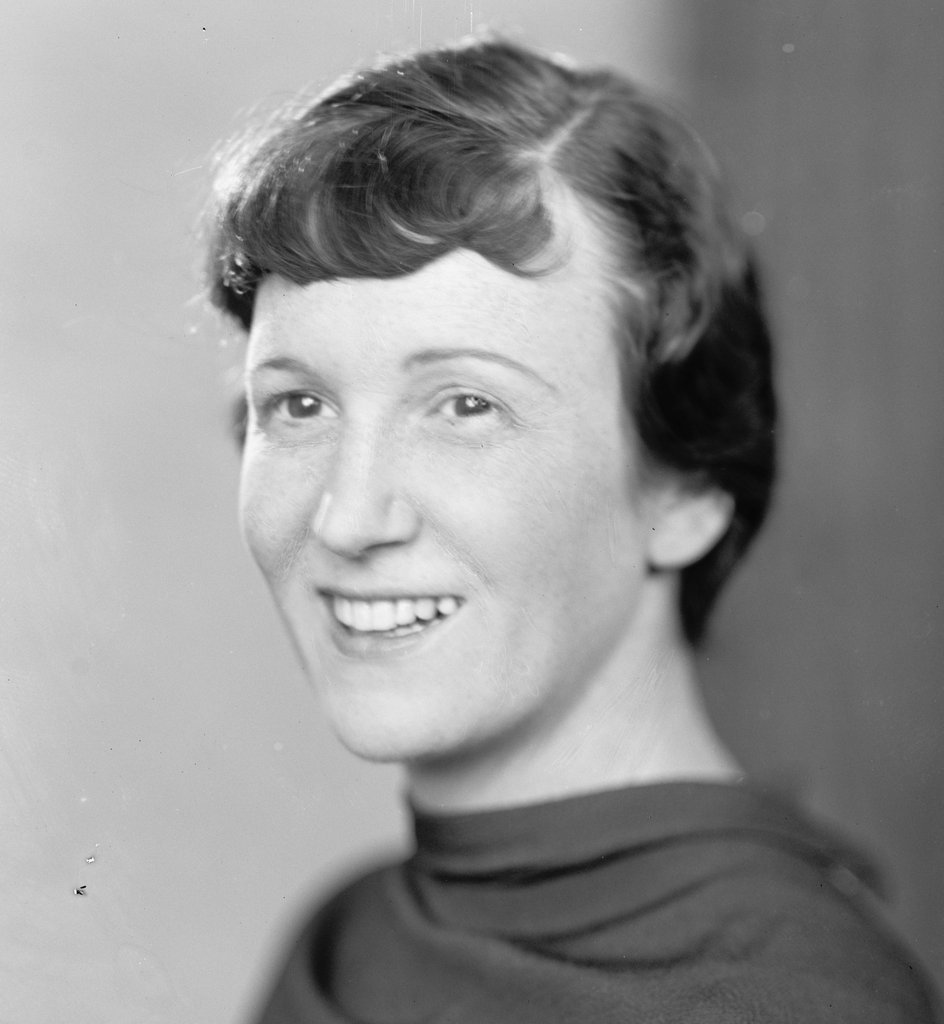
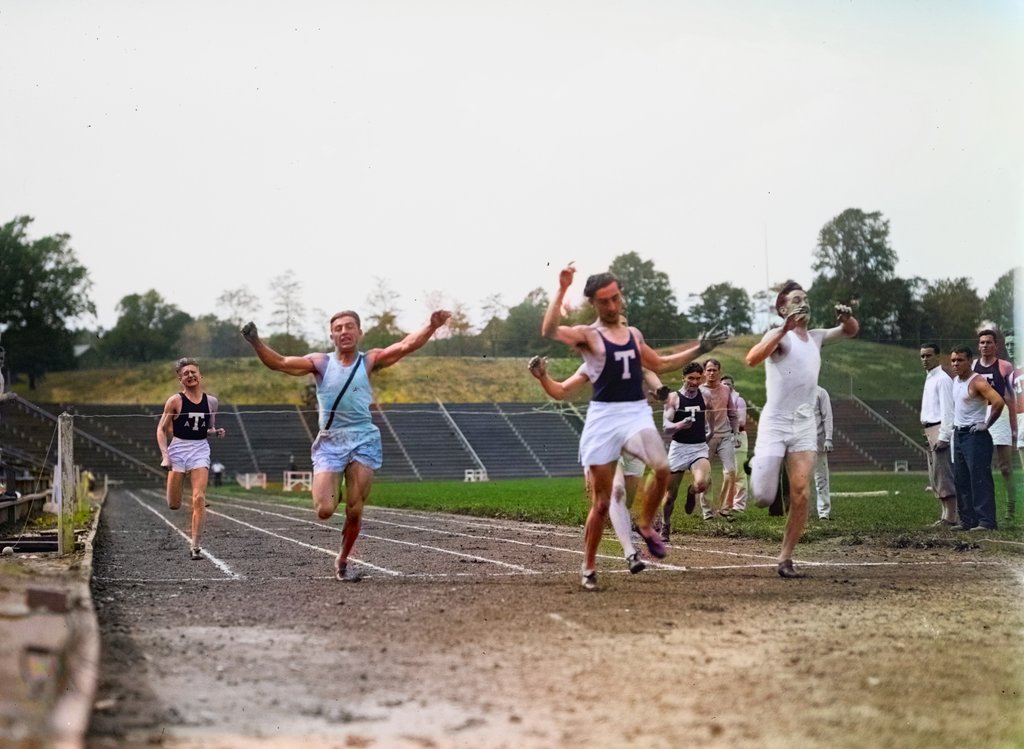
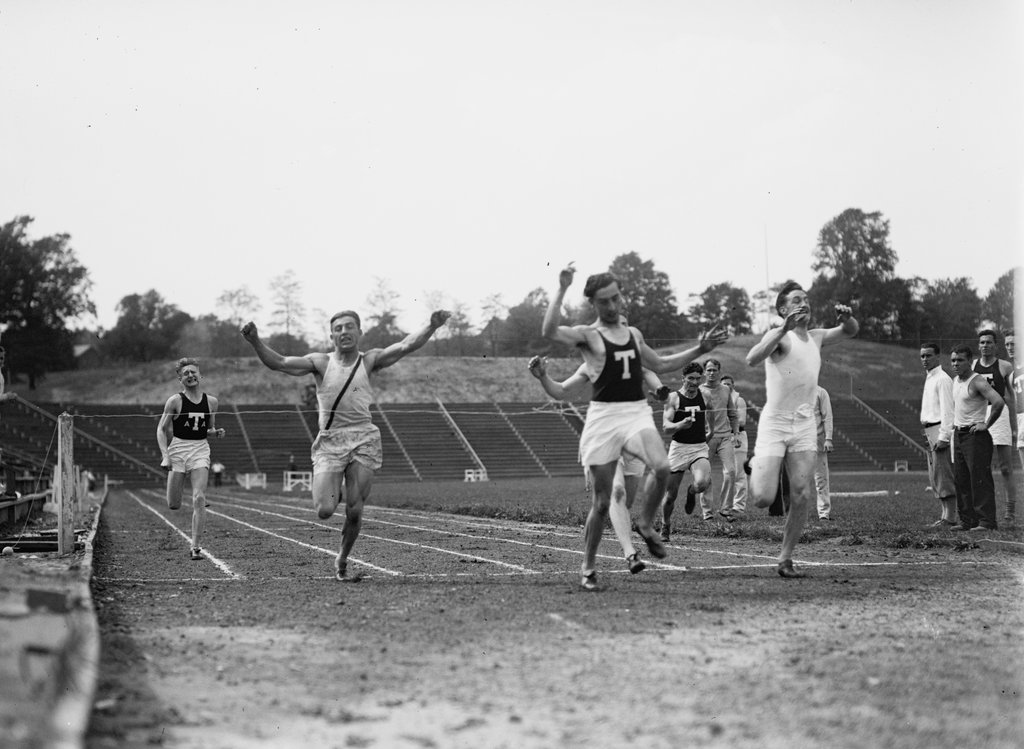
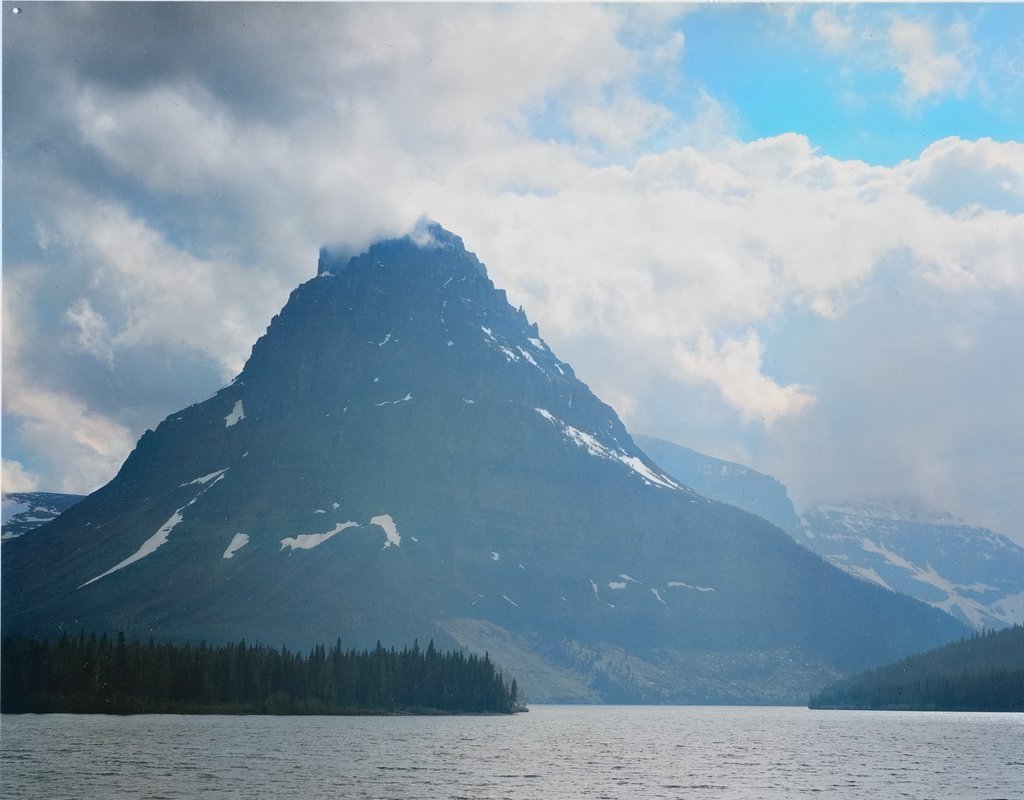
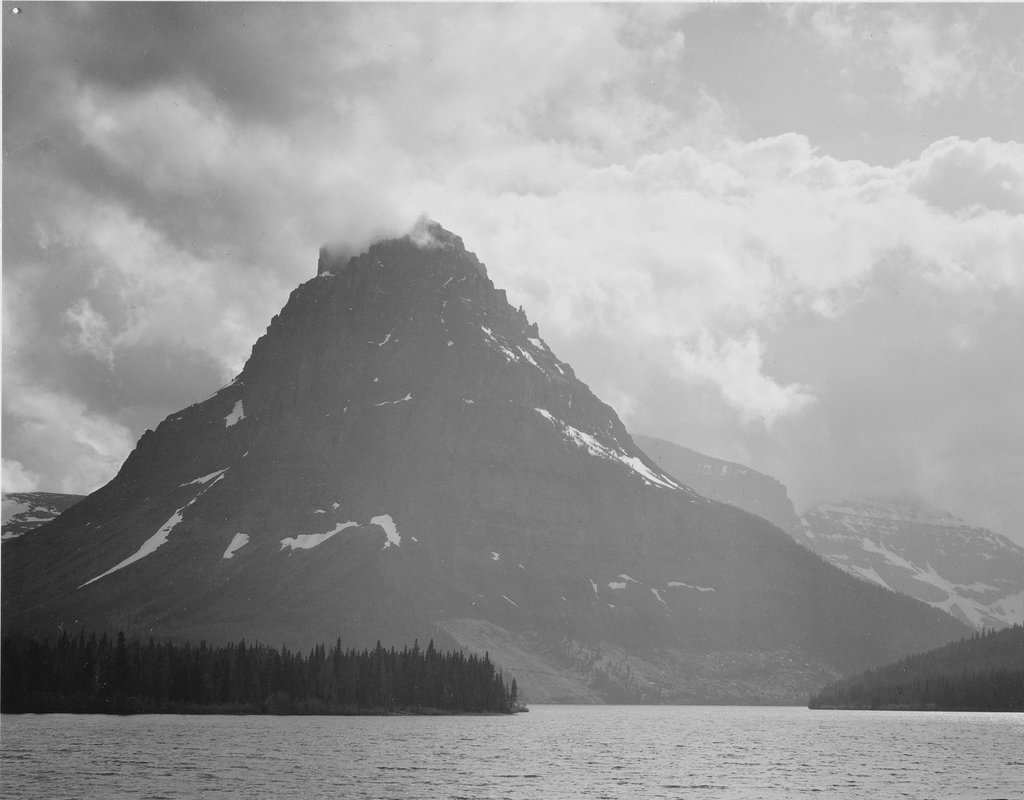
The same portrait after colorization A black-and-white portrait before colorization BeforeAfter
Colorized in 1.1 s · original 3024 × 4032

How Ungray brings it back

Drop in a photo or a whole shoebox

JPEG, PNG, TIFF or a ZIP of scans. Phone snaps of prints work too.

Drop photos here Up to 200 MB per file · any resolution
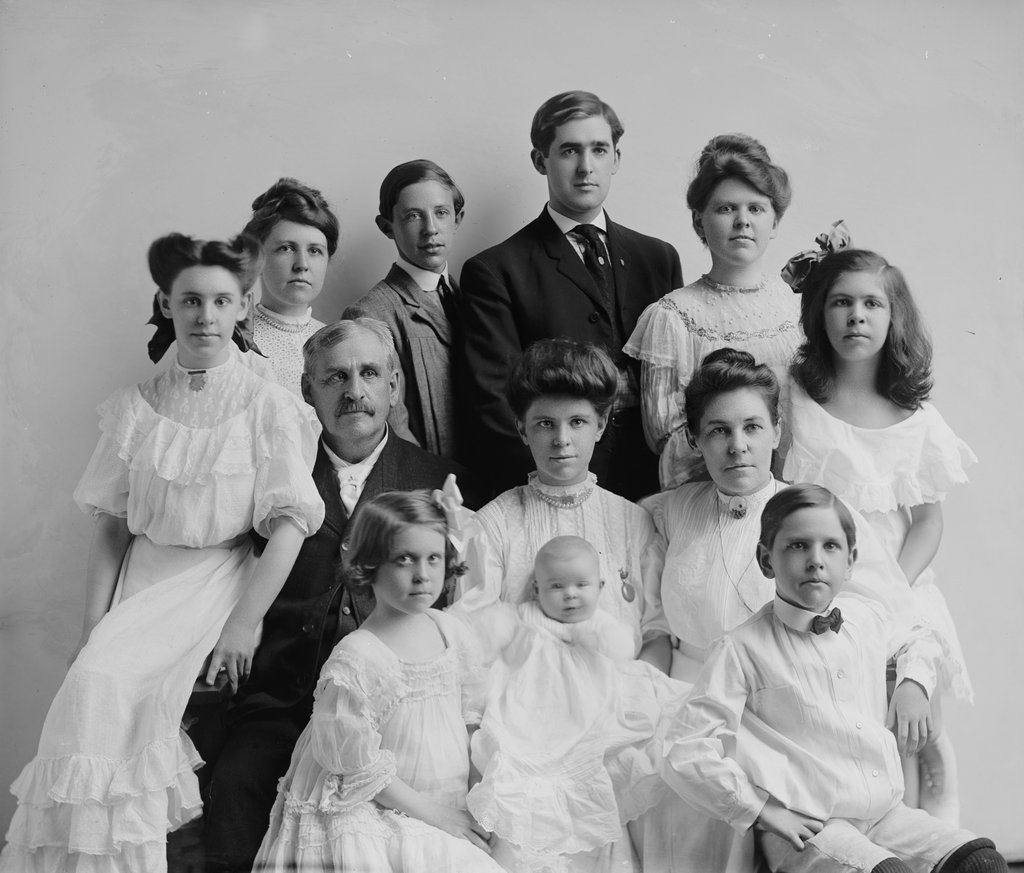
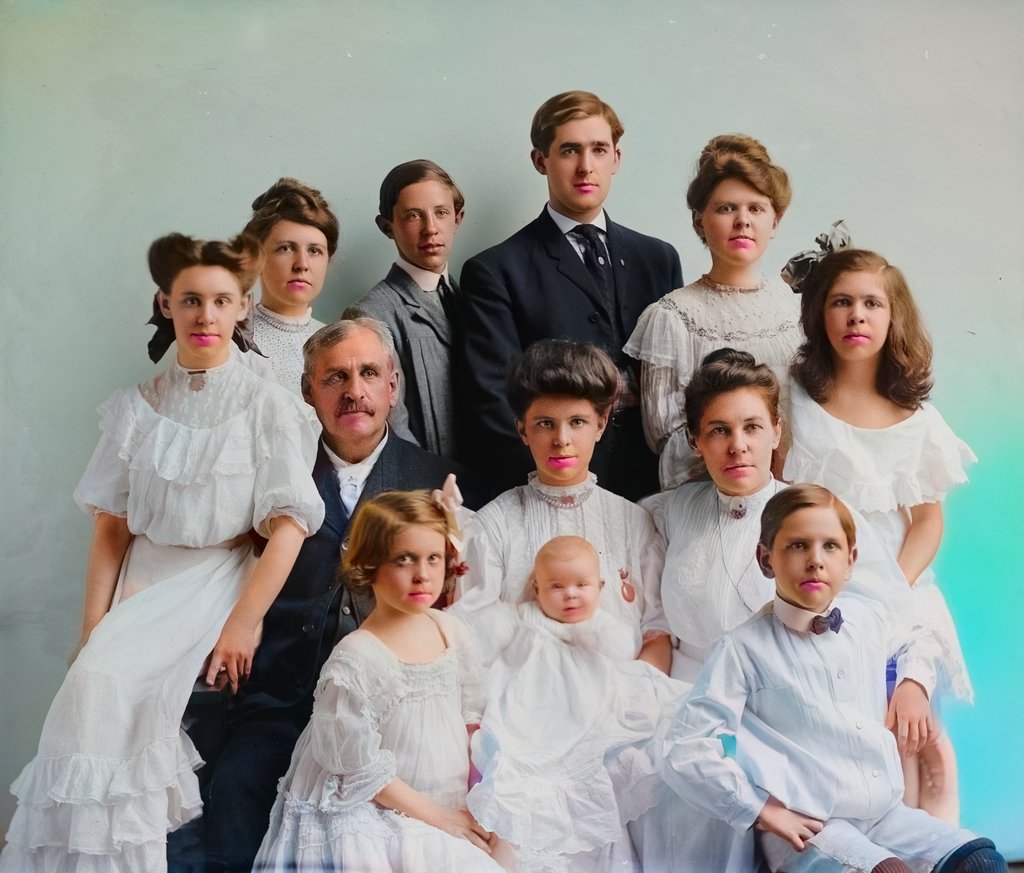
family_reunion.tif · 48 MB

Ungray adds the color

A second or two per photo. It adds color and leaves every face and detail as it was.

Colorizing · 1.0 s

Download at full size

You get your original resolution back, from a 600-pixel print scan up to a 60-megapixel TIFF.

Original resolutionJPEG · 4032 × 3024
HD
Lossless TIFF16-bit · for archives
Preview1024 px · watermark
Free
Download HD

Film gets the same treatment

Colorizing frame 1,284 of 2,880
00:53 / 02:001080p · 24 fps · audio kept

Home movies, newsreels, family film

Upload a clip and see the first 15 seconds in color for free. Ungray keeps colors steady from frame to frame, so skies and faces don't flicker.

  • Up to 4K, at any frame rate
  • Original audio and timing kept
  • You see the price before you pay
$1per minute at 1080p · $2 at 4K
Preview 15 seconds free

More than color

Recolor what the AI guessed

Grandma's dress was blue, not brown? Tap it and pick the color. Light, shadow and fabric stay exactly as photographed.

Enlarge small prints 4×

A wallet-sized print or an old phone scan becomes sharp enough to frame. Upscale any photo, in color or black and white.

Original
4× upscale

Share the moment it changes

One click makes a vertical reveal video, from black and white to color, ready for Reels, TikTok and Shorts. Or send a before/after link.

History was never black and white.

Faithful in every way

Your original detail + color = your photo, in color

It adds color and redraws nothing. Every face, crease and grain of film comes from your original. Ungray only adds color, so nobody gets a new face.

IMG_0412.jpgUploaded 10:02
23:55:00
scan_018.tifUploaded 09:40
23:33:00
IMG_0388.jpgSaved to library
Kept

Gone in 24 hours. Uploads and results are deleted automatically unless you save them to your library. You can delete them yourself at any time.

Use my photos to improve UngrayOff by default
Encrypted in transit and at rest

We never train on your photos. Your family photos are not training data. We only use them to improve the model if you turn that on.

1.5s

Per photo

Measured on an ordinary 8-core CPU; our GPU servers are faster still. You don't wait in a queue for a single photo.

100%

Original resolution

Most colorizers stop at 4K or 5000 px. Ungray gives back every pixel you scanned.

0

Faces redrawn

Ungray is not an image generator. The light and shadow in your photo stay untouched.

Start for free.

Preview as many photos as you like. Pay only when you download in full resolution, with no subscription unless you want one.

Monthly Annually 2 months free
Free
$0
No card needed
Start colorizing

Try it on your favorite photos.

  • 10 previews a day (1024 px, small watermark)
  • 3 full-resolution downloads when you sign up
  • 15-second video previews
  • Personal use
Photo pack One-time
$15for 100 photos
$0.15 a photo · never expires
Buy photo pack
  • Full resolution, no watermark
  • Colorize, recolor and upscale up to 4×
  • Credits never expire
  • Batch and ZIP upload
Studio
$29/ month
Billed monthly
Get Studio

For creators, archives and restoration studios.

  • Everything in Pro, plus…
  • 2 hours of video a month, up to 4K
  • API access (10,000 photos a month)
  • 3 team seats
  • Priority processing and support
Video, pay as you go$1 per minute at 1080p and $2 per minute at 4K. You see the price before you pay.
API$0.01 per photo and $0.40 per video minute, with volume pricing for archives.
Gift a packSend 100 photos to a parent or grandparent. It makes a good birthday present.

One credit is one full-resolution photo: colorized, upscaled, or both. Not happy with a result? One click gives the credit back.
Invite family and you both get 10 free HD photos. Prices in USD; local taxes are calculated at checkout. Cancel subscriptions any time.

Frequently asked questions

Is Ungray free?

Yes, for previews. You can colorize 10 photos a day at 1024 px without an account, and you get 3 full-resolution downloads when you sign up. Full-resolution downloads after that come from a one-time photo pack or a Pro plan.

How does Ungray know what the colors were?

It can't know for certain, and nobody can from a black-and-white photo alone. Ungray learned from millions of color photographs what skies, skin, foliage, brick and fabric usually look like. Natural things come out very reliably. Clothing, cars and painted objects are an educated guess, so treat them as plausible rather than historical record.

Can I fix a color it got wrong?

Yes. Open Recolor, tap the area (a dress, a car, a wall) and pick the right color, or paint over it with the brush. Only the color changes; the light, shadow and texture stay exactly as photographed.

Can Ungray enlarge small photos?

Yes. The upscaler makes a photo 2× or 4× larger with sharper detail, which helps with wallet-sized prints and low-resolution scans. It works on black-and-white and color photos, and you can colorize and enlarge in one step.

What was Ungray trained on?

The colorizer learned color from about 1.4 million openly licensed photographs (the Megalith-10m collection of public-domain and CC0 photos from Flickr). Like most image models, its image-recognition backbone started from a widely used pretrained network. We never train on your photos.

Will it change faces or invent details?

No. Unlike chatbot image generators, Ungray never redraws your photo. It keeps the original lightness channel pixel for pixel and only predicts color, so faces, text and film grain stay exactly as they were.

What happens to my photos?

Uploads and results are deleted automatically after 24 hours unless you save them to your library. We don't train on your photos unless you opt in, and we never sell or share them.

What files and sizes can I upload?

You can upload JPEG, PNG, WebP and TIFF photos up to 200 MB each, or a ZIP of many at once. For video, you can upload MP4, MOV and MKV. Output is always at your original resolution.

Can I use the results commercially?

Pro and Studio include commercial use, for example in YouTube videos, books and client work. The free plan and photo packs are for personal use.

Do photo pack credits expire?

No. Buy a pack today and use the rest next Christmas.
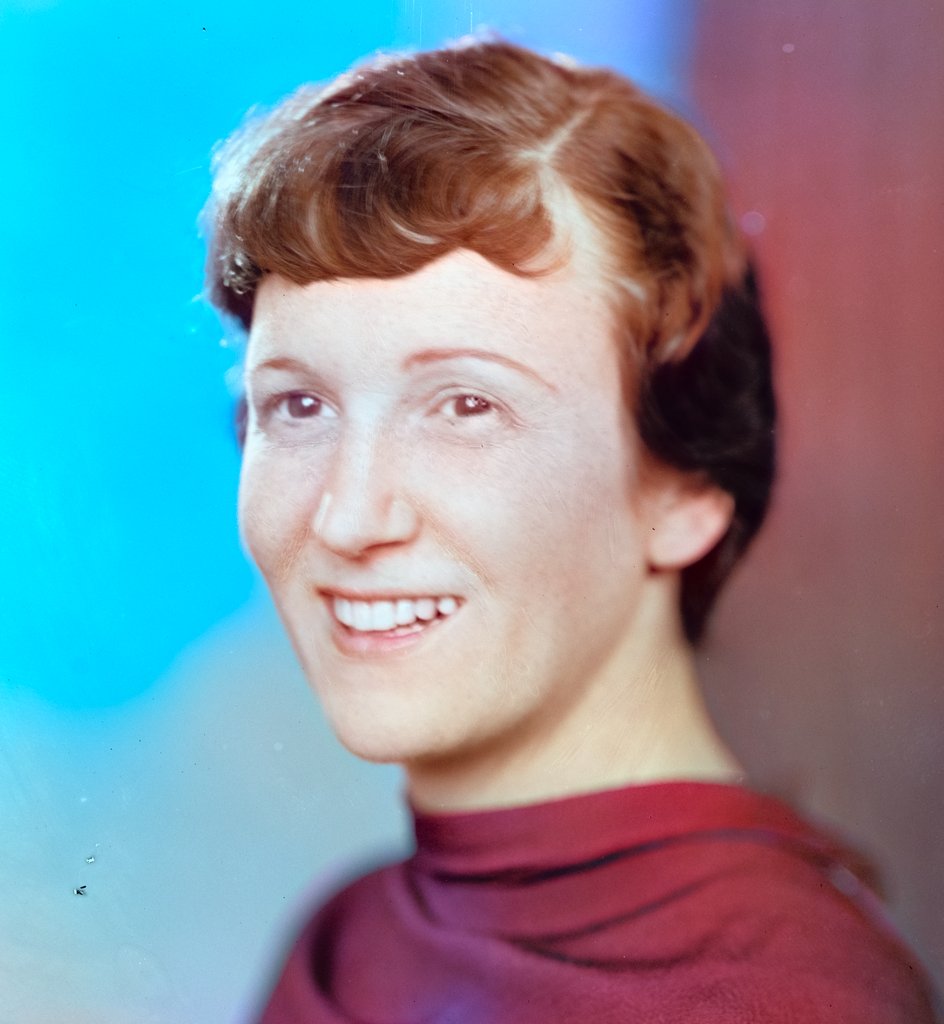
Your photos have waited long enough.
Ungray the first ten for free, today.

Colorize a photo